Method to Bypass FRP Google...

Method to Bypass FRP Google account Samsung A30s Via Combination ROM easily by following some simple steps.
The process of bypassing FRP in the latest versions of Google’s Android is becoming challenging with every update and every new device.Samsung A30s Specifications
Samsung A30s released in August 2019. Samsung A30s comes with 3/4 GB RAM and 32/64/128 GB ROM. The Samsung A30s has a 6.40 inches Super AMOLED capacitive touchscreen with a resolution of 720 x 1560 pixels, Samsung A30s runs on Octa-core 2×1.8 GHz & 6×1.6 GHz Exynos 9611, and powered by a 4000mAh non-removable battery. The Samsung A30s comes with a Triple MAIN camera 25-megapixel + 8-megapixel + 5-megapixel and a 16-megapixel on SELFIE Camera.Links:
Samsung A30s Combination ROM:
How to Bypass FRP Samsung A30s
Step 1: Enter your Samsung A30s to Download Mode:- Turn off your Samsung Galaxy A30s
- Press & hold the Power button + Volume Down button at the same time.
- Connect your Samsung Galaxy A30s to your PC via the USB cable
- Once the warning “WARNING!” Is displayed
- Then press the Volume up button to Continue.
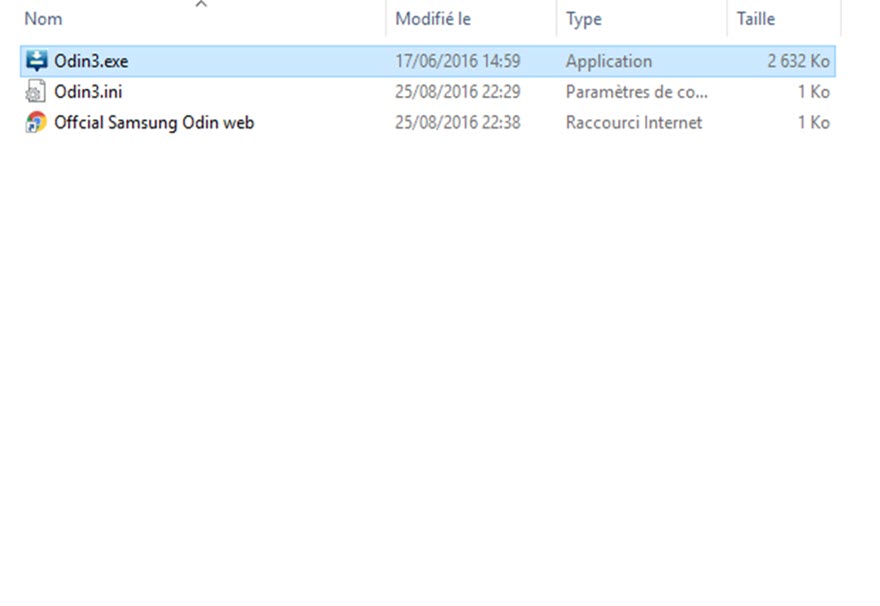
Step 3: Click on “AP” and import the Samsung A30s Combination ROM.

Step 4: Click Start to begin the installation.

Step 5: Unplug your Samsung A30s from Laptop once the PASS message Displayed.
Step 6: Power ON your Samsung A30s
- Settings> About phone.
- Scroll & Find build number.
- press 7 times on build number.
- Developers Options appeared on the previous screen.
- Press & check USB Debugging.


